New • Optimized for Android Auto

Listen to your favorite Reels while driving

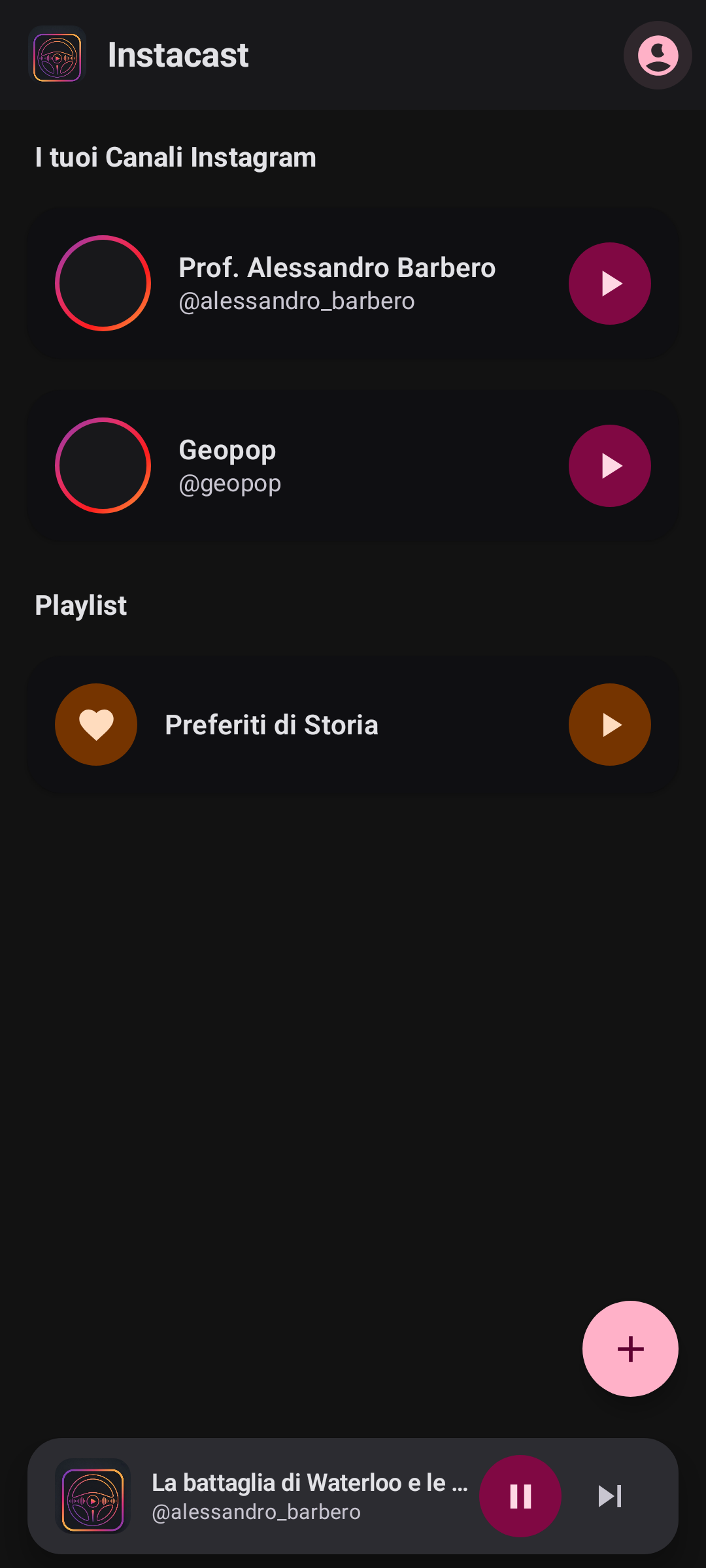
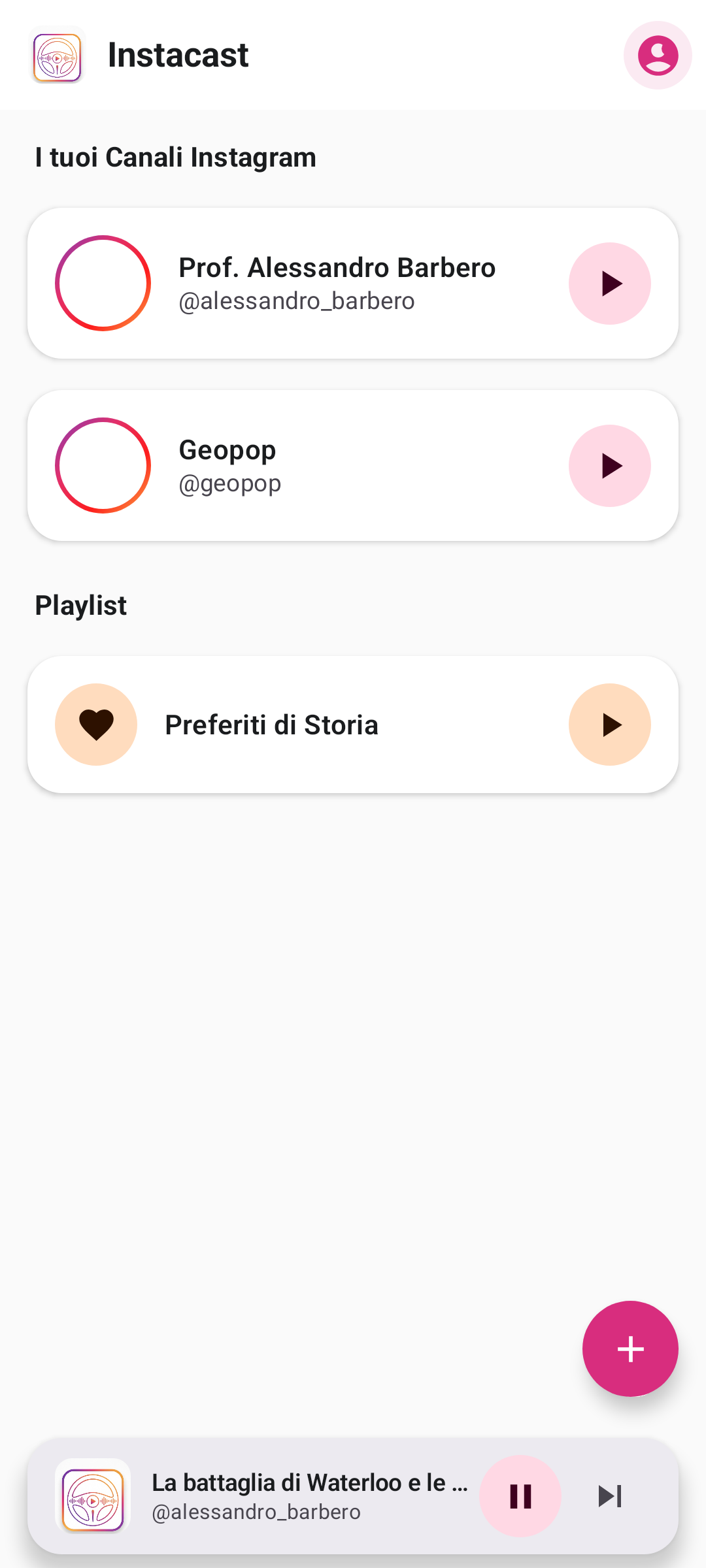
Instacast is built to transform your saved Instagram videos, Reels, and creators into smart audio streams. Natively integrated with Android Auto, it lets you listen to your favorite content behind the wheel safely, without visual distractions.
✓ Android Auto Certified ✓ No data shared with third parties ✓ Smart ExoPlayer Cache
Android Auto • Connected
HD Audio • 48 kHz
Instacast in Car Preview
Episode #42: Tech & Automotive Insights
@creator_tech • Instacast Stream
08:42 -05:18
Instacast at a Glance

Essential Specifications for Drivers & Commuters

Platform Compatibility
Android 8.0 (Oreo) and higher, Android Auto (Wired & Wireless), Bluetooth & AUX
Core Audio Engine
High-efficiency AAC/HE-AAC stream extraction via ExoPlayer with local smart caching
Data Consumption
Audio-only transmission saves up to 80% cellular bandwidth compared to video feeds
Road Safety Standard
Google Car App Library certified; full steering wheel control & zero visual distraction
Privacy & Security
100% on-device SQLite Room database; zero analytics tracking, zero third-party data sharing
Pricing & License
100% Free personal utility application developed by Matteo Venturi
Key Features

Built for Commuters & Podcast Lovers

Instacast brings together social content and modern driving safety through cutting-edge media technology.

Android Auto & Media3

Certified interface fully compliant with Android Automotive safety standards. Control playback via your car display, steering wheel controls, or voice commands.

One-Tap Import

Share any Reel or video directly from the official Instagram app by selecting "Import to Instacast". Audio is extracted and organized instantly.

Audio-First Streaming

Smart algorithm isolating high-fidelity AAC / HE-AAC audio streams. Save up to 80% mobile data compared to traditional video playback.

ExoPlayer Smart Cache

Tracks are preloaded and cached locally to ensure smooth, uninterrupted listening even in tunnels or areas with poor cellular signal.

Channels & Playlists

Organize your favorite creators into dedicated channels or build custom playlists for your daily commute and weekend road trips.

Zero-Knowledge Privacy

No personal data is ever saved on our servers. Your session tokens, listening history, and playlists stay 100% inside your smartphone's local Room database.

Simple & Intuitive

How Instacast Works

Just three simple steps to transform your in-car listening experience.

01

Find on Instagram

While browsing Instagram, find the educational Reel, interview, or creator you would love to listen to later.

02

Share to Instacast

Tap the Share icon on Instagram and select "Import to Instacast". The app extracts the audio stream and saves the track.

03

Get in Your Car & Drive

Connect your phone to your car: Instacast will automatically appear among your Android Auto media apps, ready to play.

App Showcase

Designed for Simplicity and Safety

Explore how Instacast seamlessly transforms social media video into a high-grade in-car podcast experience.

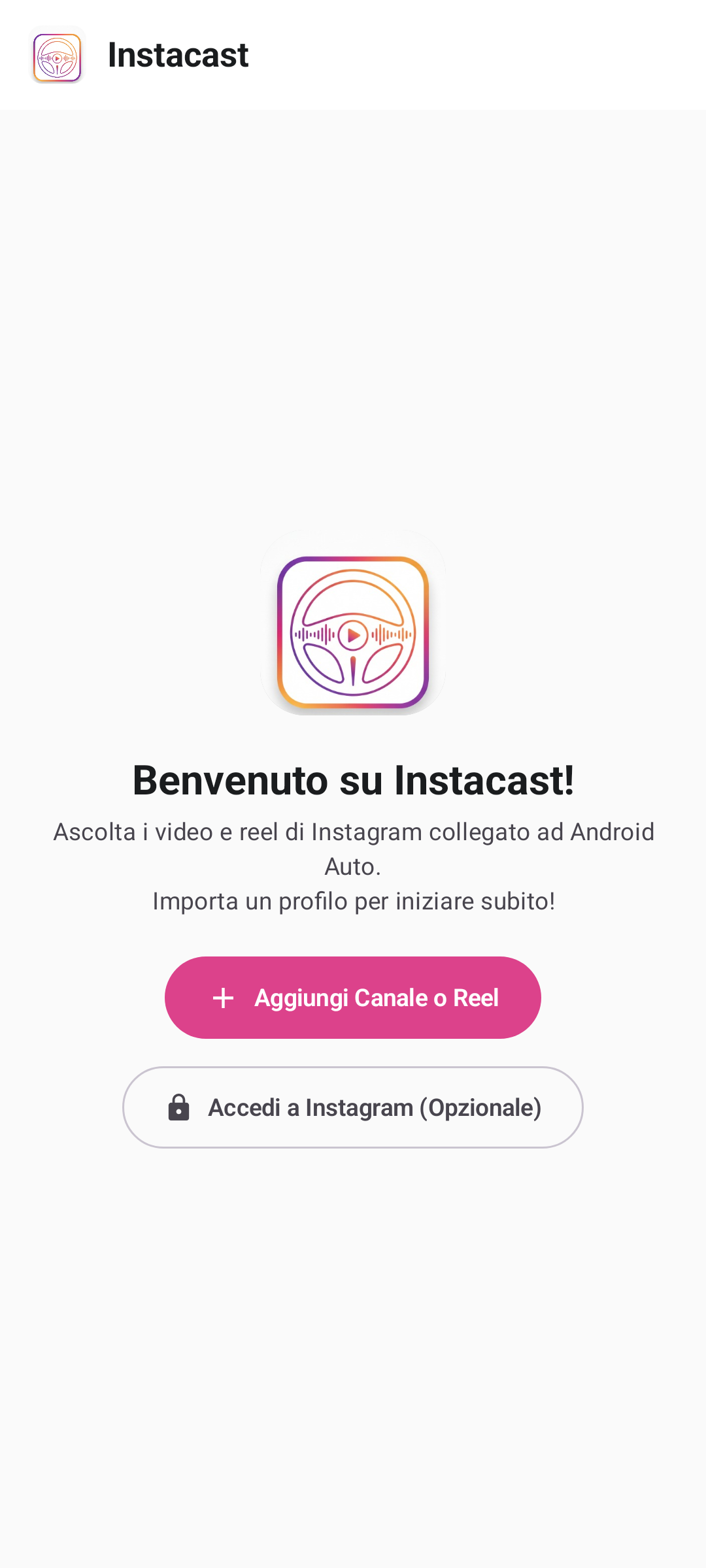
Instacast One-Tap Instagram Import Screen

One-Tap Reel Import

Direct import via Android share sheet

Instacast Channels and Commute Playlists Screen

Creator Channels

Organize feeds into customized playlists
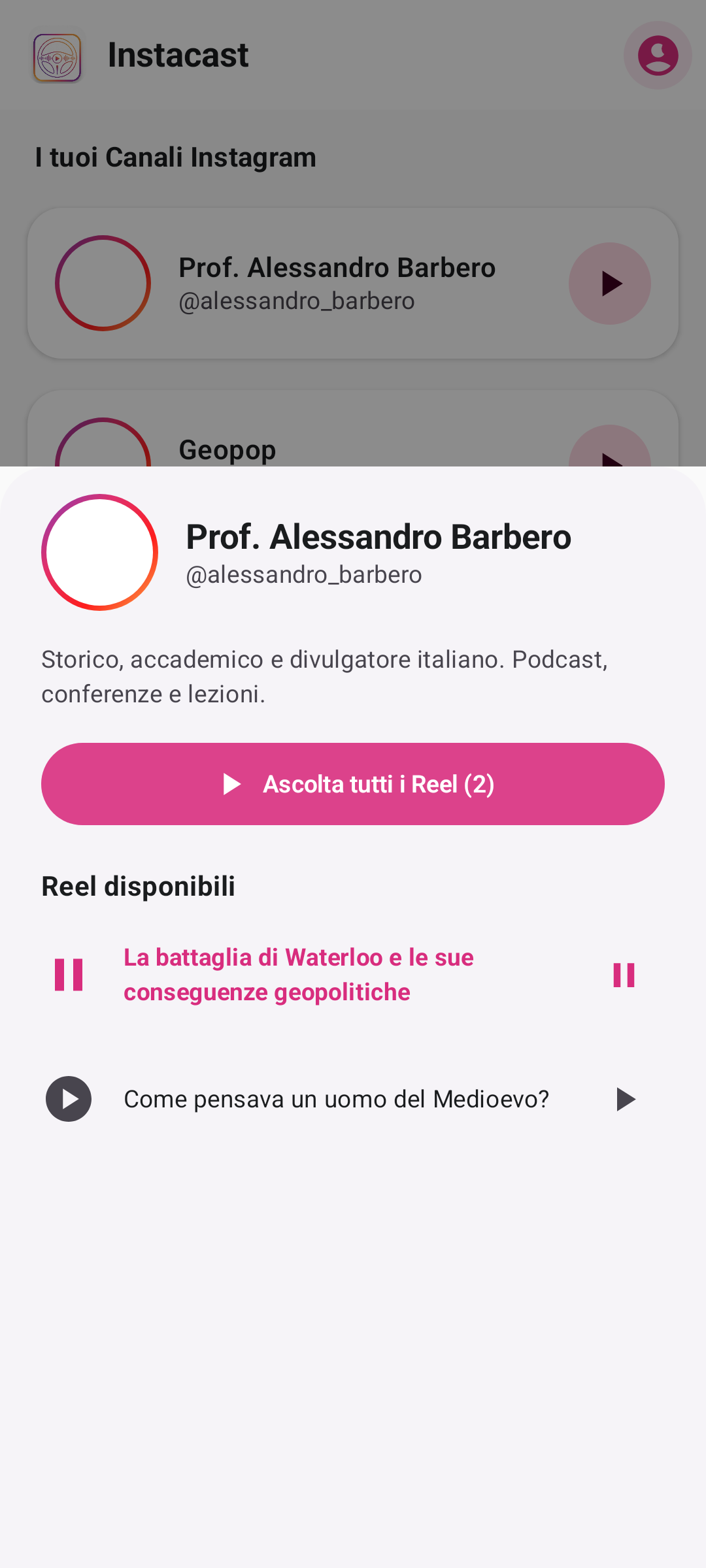
Instacast Android Auto In-Car Player Screen

Android Auto Interface

Native in-car media control & zero distraction
Instacast Smart Caching & Offline Audio Settings

Offline ExoPlayer Cache

Uninterrupted playback in tunnels & dead zones

Native In-Car Experience

Maximum focus on the road, zero distractions

Instacast is developed strictly adhering to Google's official Car App Library and Media3 standards. The UI seamlessly adapts to your car's dashboard with large touch targets, high-contrast typography, and instant playlist access.

  • Full support for physical steering wheel media controls
  • Automatic playback resume from the exact second you paused
  • Automatic day/night theme synced with your vehicle's headlights
Download for Android Auto
Instacast Android Auto Dashboard
FAQ

Frequently Asked Questions

Clear answers to common questions about Instacast, safety, and compatibility.

Simply install Instacast on your Android smartphone and connect your phone to your car via USB cable or wireless Android Auto. Instacast will automatically show up among the supported media apps on your car's dashboard display.
Absolutely. If you choose to log in to your Instagram account to sync your saved Reels, authentication happens via an isolated, secure Android WebView. No credentials or passwords are ever captured, stored, or transmitted to any external servers: everything stays strictly protected on your device.
Yes! Instacast also functions as an outstanding background podcast player directly on your smartphone, whether listening through headphones or connecting your phone to your car radio via Bluetooth or AUX cable.
No. The Instacast media engine exclusively extracts and streams the compressed AAC audio track without downloading the high-bitrate video stream, drastically saving your cellular data and conserving battery life.

Ready to transform your drive?

Install Instacast and start enjoying your favorite content without taking your eyes off the road.

Download on Google Play Privacy Policy